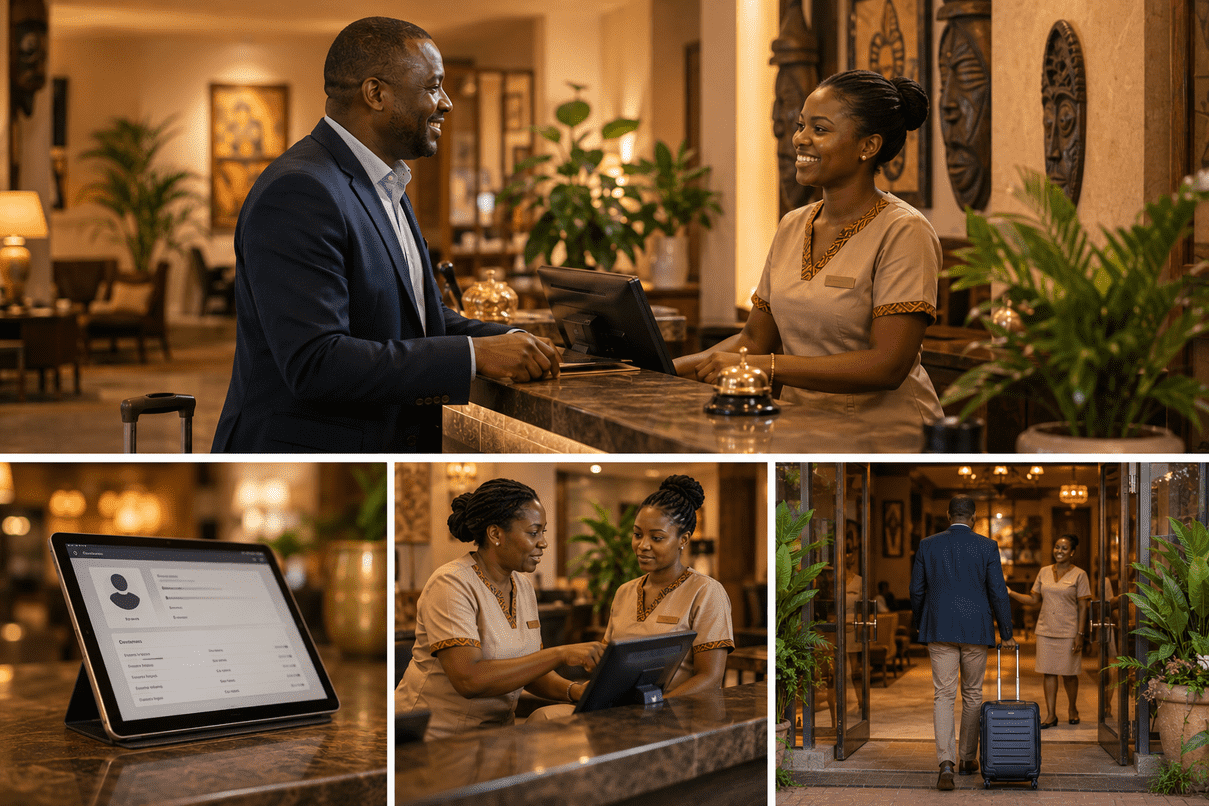
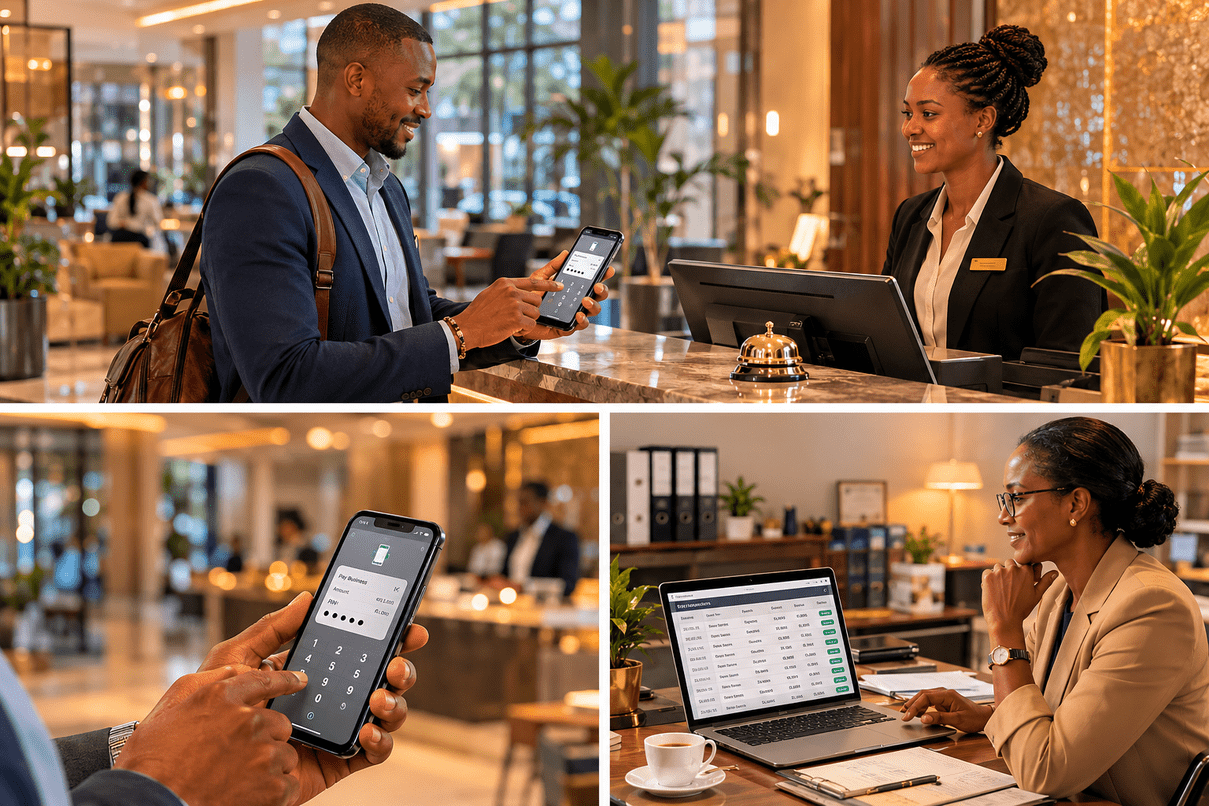
Walk into almost any hotel lobby in Kenya, Uganda, or Tanzania and ask a guest how they want to pay. Most of the time, the answer is M-Pesa.
Mobile money is not a trend in East Africa. It is infrastructure — as fundamental to daily financial life as a bank account is in Europe or a credit card is in the United States. More Kenyans have M-Pesa accounts than have bank accounts. Across the region, billions of shillings move through the network every single day.
For a hotel or guesthouse owner, this means one thing above everything else: if you are not accepting M-Pesa properly, you are not accepting payments properly.
But there is a significant gap between technically accepting M-Pesa and accepting it in a way that actually works for your business. Most small and mid-sized hotels in East Africa are in that gap. They accept M-Pesa the same way they accept cash — manually, informally, and with very little system behind it.
This guide is about closing that gap.
Why M-Pesa Is Not Optional for East African Hotels
Let us be direct about this: M-Pesa is not an alternative payment method for your hotel. It is the primary payment method for the majority of your guests.
International card payments — Visa, Mastercard — matter for tourists paying with foreign cards. Bank transfers matter for corporate clients booking multiple rooms. But for the domestic travellers, local business people, and regional visitors who form the core of most Kenyan hotels’ guest base, M-Pesa is simply how money moves.
When a guest arrives and reaches for their phone to pay, and your response is “we don’t take M-Pesa, do you have cash?” — you have created friction at the worst possible moment. Some guests will find cash. Others will resolve never to return.
Accepting M-Pesa eliminates that friction. More importantly, accepting it properly — automatically, with records — eliminates a different kind of friction: the administrative chaos that comes with informal mobile money management.
The Problem with Manual M-Pesa Confirmation
Here is how M-Pesa works in most hotels right now:
A guest wants to pay. You give them your personal M-Pesa number or a till number. They send the money. They show you their confirmation SMS. You check your own phone to see if the money arrived. You write it in your book. You give them a receipt — or you don’t. The booking is marked as paid in your notebook.
This system works when volume is low and everything goes right. But it breaks in ways that are both predictable and expensive.
Whose number is it registered to? Many hotels are processing M-Pesa payments through the owner’s personal phone number. This means the owner must personally verify every payment. If the owner is not present, payments cannot be confirmed. If the owner’s phone is off, dead, or out of reach, the whole payment process grinds to a halt.
Reconciliation is a manual nightmare. At the end of the day, someone has to go through every M-Pesa message received and match it to a booking. Was this Kes 3,500 from James Otieno for room 7? Or is that a different James Otieno? What about this payment that came in at 11:42pm — which booking does that belong to? This process takes time, requires concentration, and creates errors even when done carefully.
Disputes with no clear record. A guest claims they paid. You cannot find the message. Or you find a message but cannot confirm it matches their booking. Without an automated system linking M-Pesa payments to specific reservations, every disputed payment becomes an uncomfortable conversation with no clean resolution.
Cash leakage. In any system where payments are tracked manually, the potential for cash to go unrecorded — intentionally or accidentally — is real. It is not an accusation against your staff. It is a property of manual systems. Automated systems close that gap because the payment record exists independently of anyone writing it down.
How Automated M-Pesa Works for Hotel Payments
Automated M-Pesa integration is different from informal mobile money acceptance in a fundamental way: the payment record is created by the system, not by a person.
Here is what the experience looks like with a properly integrated system:
- A guest is ready to pay for their booking.
- The hotel uses an STK Push to send a payment request directly to the guest’s phone.
- The guest receives a prompt on their phone screen asking them to confirm the payment and enter their M-Pesa PIN.
- They enter their PIN. The payment goes through.
- The hotel system receives confirmation instantly and records the payment against the specific booking.
- The guest receives a confirmation. The room is marked as paid. The transaction appears in your accounts.
No chasing confirmation messages. No matching payments to bookings manually. No disputes about whether payment was made. The system knows, because it initiated and received the transaction directly.
STK Push Explained Simply
You may have heard the term STK Push and wondered what it means. Here is the simple version.
STK stands for SIM Toolkit — the little menu system built into every mobile phone SIM card. When you initiate an M-Pesa STK Push, you are sending a request that triggers a prompt on the guest’s phone automatically. Instead of the guest dialling *150#, navigating the M-Pesa menu, entering your paybill number, entering an account number, and entering an amount — they simply receive a prompt, enter their PIN, and done.
From the guest’s perspective, it takes about ten seconds and requires no knowledge of your paybill number or account codes. From your perspective, the payment is recorded the moment it completes — no human in the loop.
This is why STK Push is the standard for any serious business accepting M-Pesa. The guest experience is frictionless and the back-end record is automatic.
What to Look For in a Hotel System That Supports M-Pesa
Not all hotel management software that claims to “support M-Pesa” offers the same level of integration. There is a spectrum, and the difference matters.
Level 1 — Recording only. The system lets you manually record that an M-Pesa payment was received. You still confirm it yourself, you still match it to the booking yourself, and you enter the details into the system. This is barely better than a notebook.
Level 2 — Paybill with manual matching. The system has a designated paybill number, but when payments come in, someone still has to review the transaction list and match payments to bookings. It reduces errors but still requires human intervention.
Level 3 — Full automated integration (STK Push). The system initiates the payment from its own interface, receives confirmation automatically, and records the payment against the correct booking without any human step in between. This is what you should be looking for.
When evaluating hotel software for M-Pesa support, ask directly: “Is this STK Push integration, or do I still have to match payments manually?” The answer will tell you exactly what level of integration you are getting.
Other questions worth asking:
- Is there a separate M-Pesa transaction fee on top of the normal Safaricom charges? Some platforms charge an additional percentage per transaction. Understand the full cost before you sign up.
- How quickly are payments reconciled? In a properly integrated system, payment reconciliation should be instantaneous, not end-of-day.
- What happens when a payment fails? Connectivity issues, wrong PINs, and insufficient funds happen. The system should handle these gracefully — notifying both the hotel and the guest clearly.
- Can I generate M-Pesa payment reports? For tax purposes and financial management, you need to be able to pull a list of all M-Pesa transactions in any given period, what they were for, and who made them.
Automated M-Pesa and Your Revenue Integrity
One benefit that hotel owners often do not anticipate — but quickly come to appreciate — is what automated M-Pesa does for revenue integrity.
When every M-Pesa transaction is automatically linked to a booking and recorded in the system, there is a complete and independent financial record of every payment received. Discrepancies between what the system shows and what the cash register holds become immediately visible. Unrecorded transactions stand out. Refunds are logged.
This is not about distrusting your staff. It is about building a property where financial management is transparent and auditable — the kind of operation that can attract investors, satisfy banks, and scale. Good systems create accountability without confrontation.
M-Pesa Beyond the Front Desk
Once your hotel has proper M-Pesa integration, the capability extends further than just in-person payment at check-in.
Advance deposits. Send a payment request to a guest when they make a reservation, before they arrive. No more no-shows from unconfirmed bookings.
Booking widget payments. If your website has an embedded booking widget, guests can book and pay the deposit directly online via M-Pesa — without calling, without WhatsApp, without your involvement at all.
Outstanding balance collection. When a guest checks out with a balance remaining, send the request directly from the system. They pay from the lobby before they leave.
Automated receipts. Every M-Pesa payment generates a digital receipt that can be emailed or sent directly to the guest — no printing required.
Setting Up M-Pesa on Hbooka
Hbooka’s M-Pesa integration is built for the realities of Kenyan hospitality — not retrofitted from a payment system designed somewhere else.
Here is how the setup process works:
Step 1 — Register for an M-Pesa Paybill or Till. If you do not already have one, register your business with Safaricom to get a dedicated business paybill number. This keeps business payments separate from your personal M-Pesa account. Safaricom’s process for this takes a few days and requires standard business registration documents.
Step 2 — Connect your M-Pesa account in Hbooka. In your Hbooka settings, navigate to the Payments section and enter your Paybill details, Consumer Key, and Consumer Secret (provided by Safaricom’s Daraja API portal). Hbooka connects directly to Safaricom’s Daraja API — the same infrastructure used by major banks and payment processors in Kenya.
Step 3 — Test with a small transaction. Before going live, run a test transaction to confirm payments flow correctly from the STK Push prompt through to your Hbooka payment records. This takes five minutes.
Step 4 — Set your deposit policy. Decide how much deposit you require at booking — full payment, 50%, or a flat amount — and configure this in Hbooka. The system will use this setting when sending payment requests.
Step 5 — Train your front desk. Show your receptionist how to initiate a payment request from a guest’s booking record. It is one button. They will learn it in two minutes.
From setup to your first automated payment is typically the same afternoon.
The Bigger Picture
M-Pesa is the most widely used payment method in East Africa. Accepting it manually — through personal numbers, screenshot confirmation, and notebook reconciliation — is holding most small hotels back from operating like the professional businesses they actually are.
Automated M-Pesa integration is not a luxury for large hotels. It is a practical necessity for any property that wants to stop chasing payments and start managing a business.
The technology is available, it is affordable, and it is specifically designed for businesses at exactly your scale.
Start accepting M-Pesa automatically with Hbooka.
Full M-Pesa integration, STK Push, automated reconciliation, and payment reports — included in the Growth and Pro plans. Try Hbooka free for 14 days.